
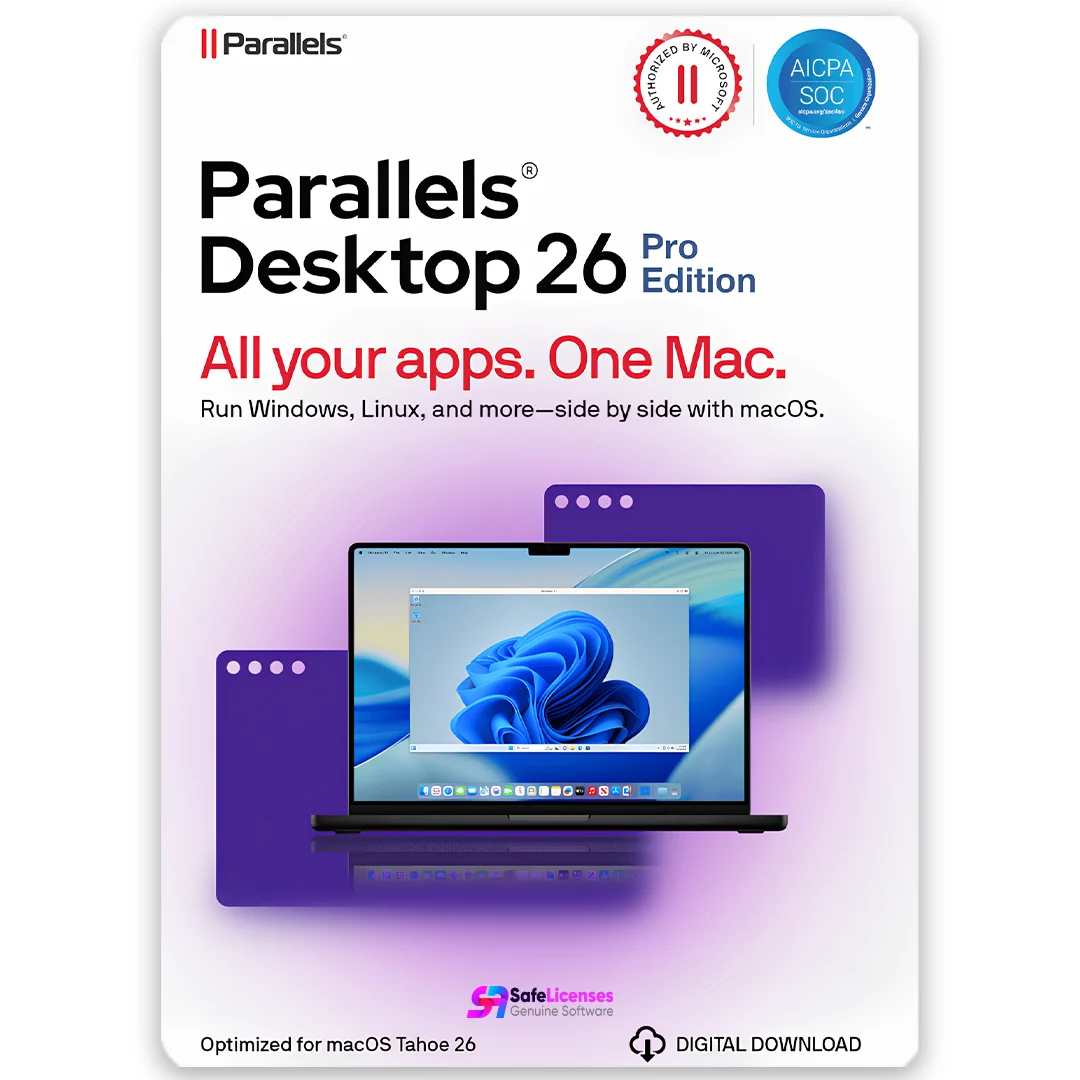
Parallels Desktop 26 for Mac – Pro Edition | 1 Device | 1 Year | Global License Key
Original price was: $119.99.$65.00Current price is: $65.00.
75 in stock
Description
Parallels Desktop 26 for Mac – Pro Edition | 1 Device | 1 Year | Global License Key
Product Overview
Parallels Desktop 26 for Mac – Pro Edition is a premium virtualization solution designed for developers, IT professionals, and advanced users who require robust performance, advanced networking, and enhanced integration between macOS and guest operating systems. This subscription offers a full year of premium features on one Mac device, with a global license key and official software download.
Key Features
Run Multiple Operating Systems
-
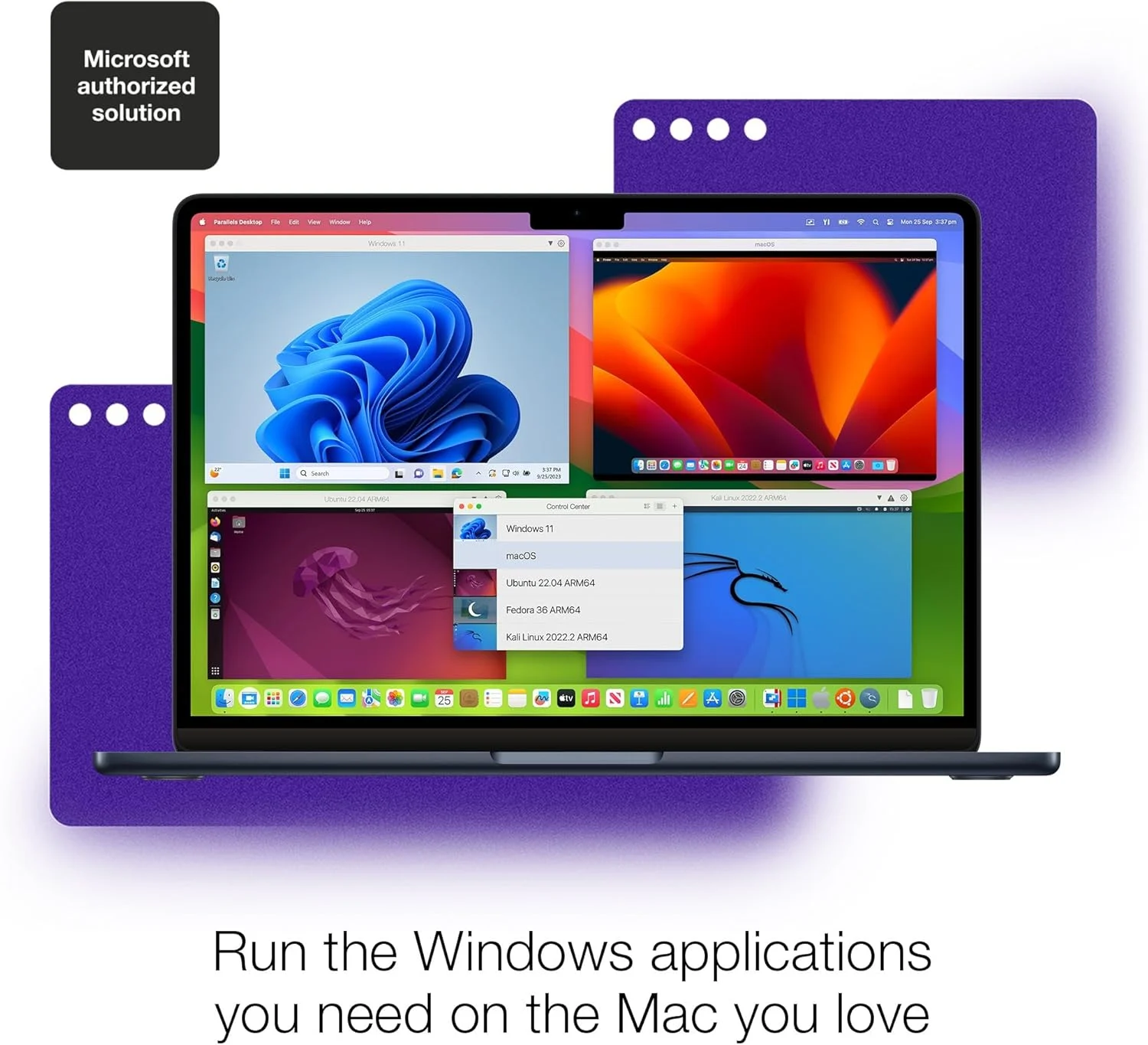
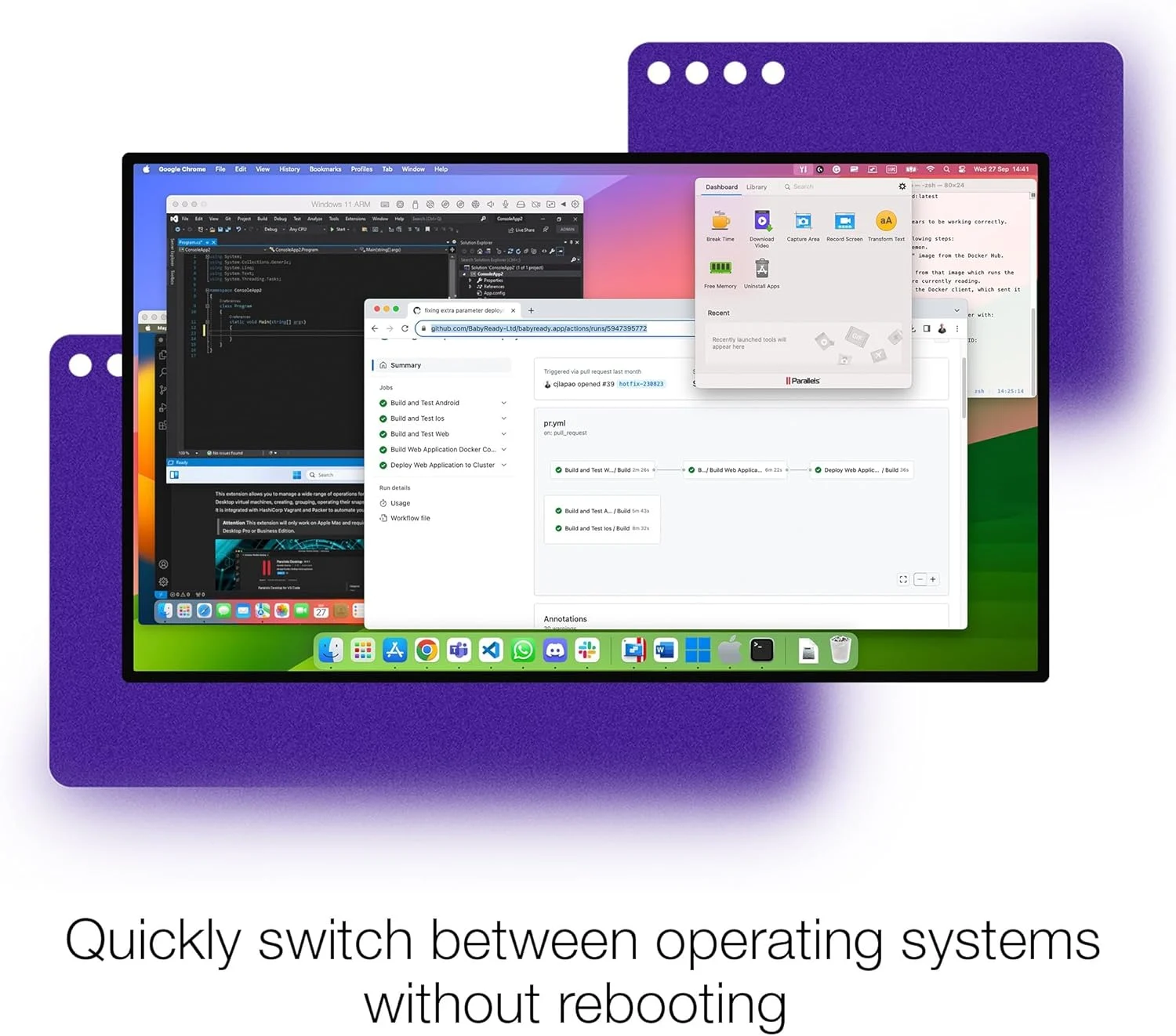
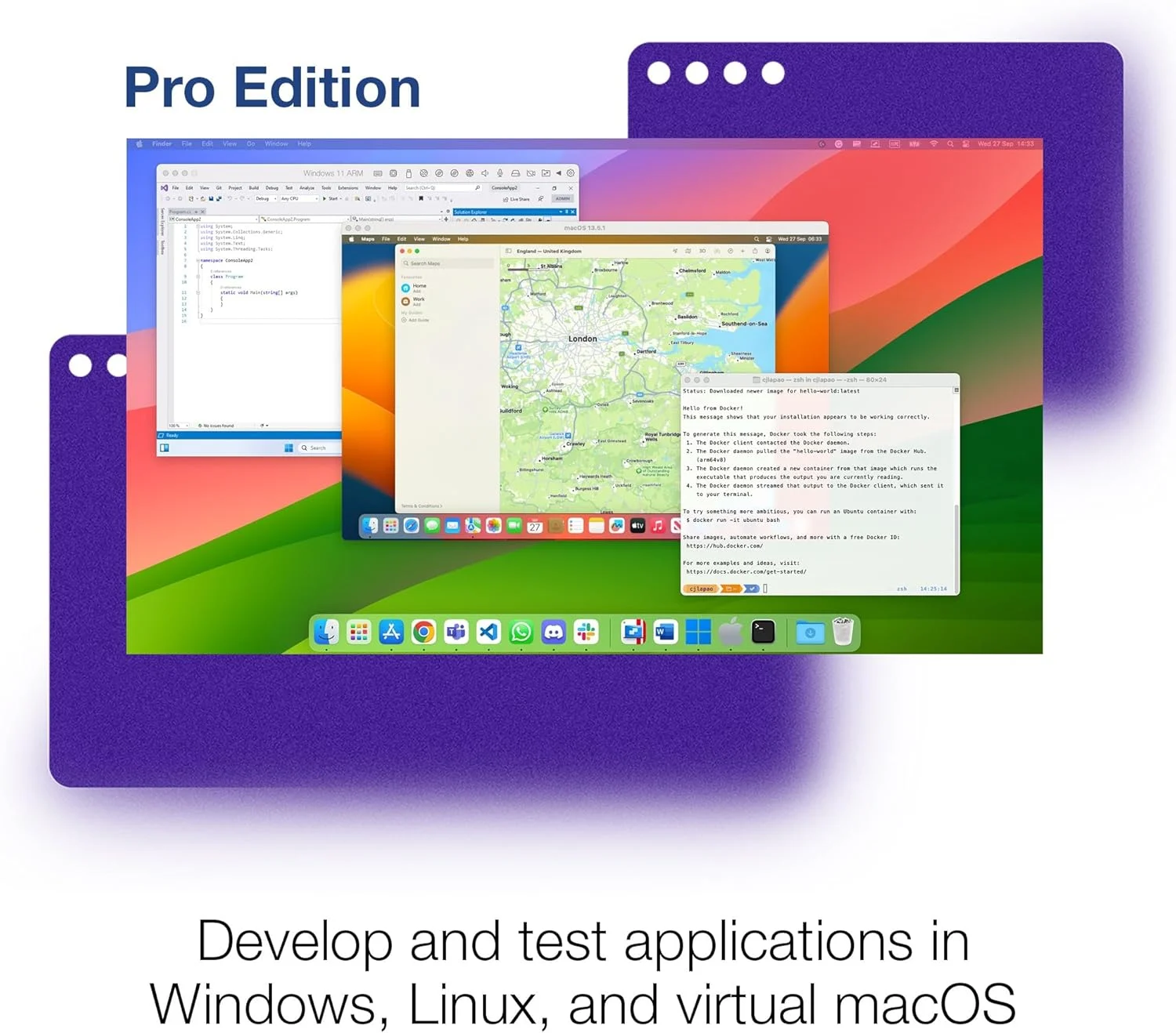
Run Windows, Linux, and other operating systems directly on your Mac without rebooting.
-
Full support for macOS, including Apple Silicon and Intel Macs.
Advanced Development & Networking Tools
-
Enhanced networking configuration for complex environments.
-
Support for popular development tools and environments.
Faster Performance
-
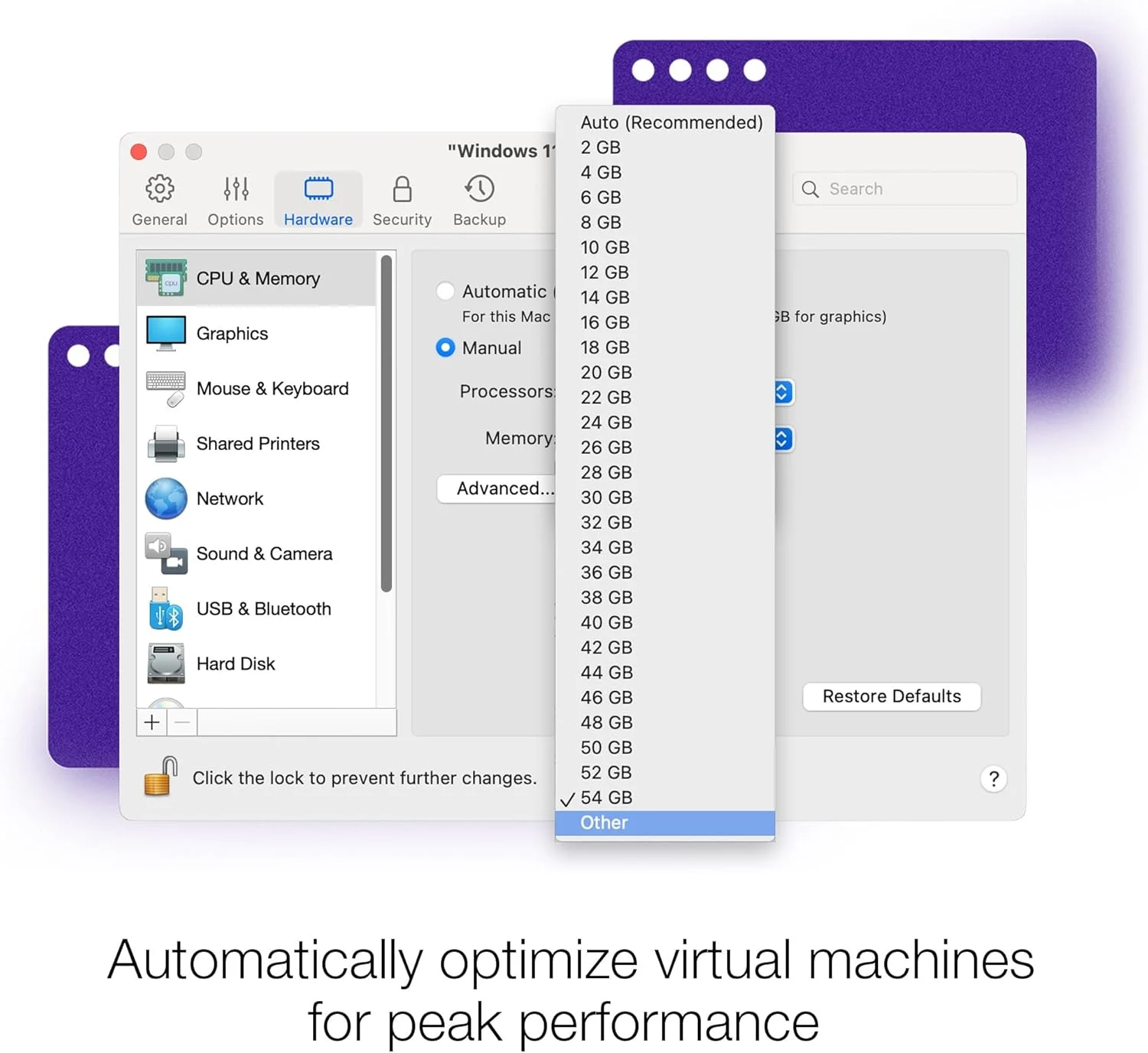
Optimized resource allocation for CPU, RAM, and graphics.
-
Improved performance for heavy workloads, virtual machines, and parallel tasks.
Seamless Integration
-
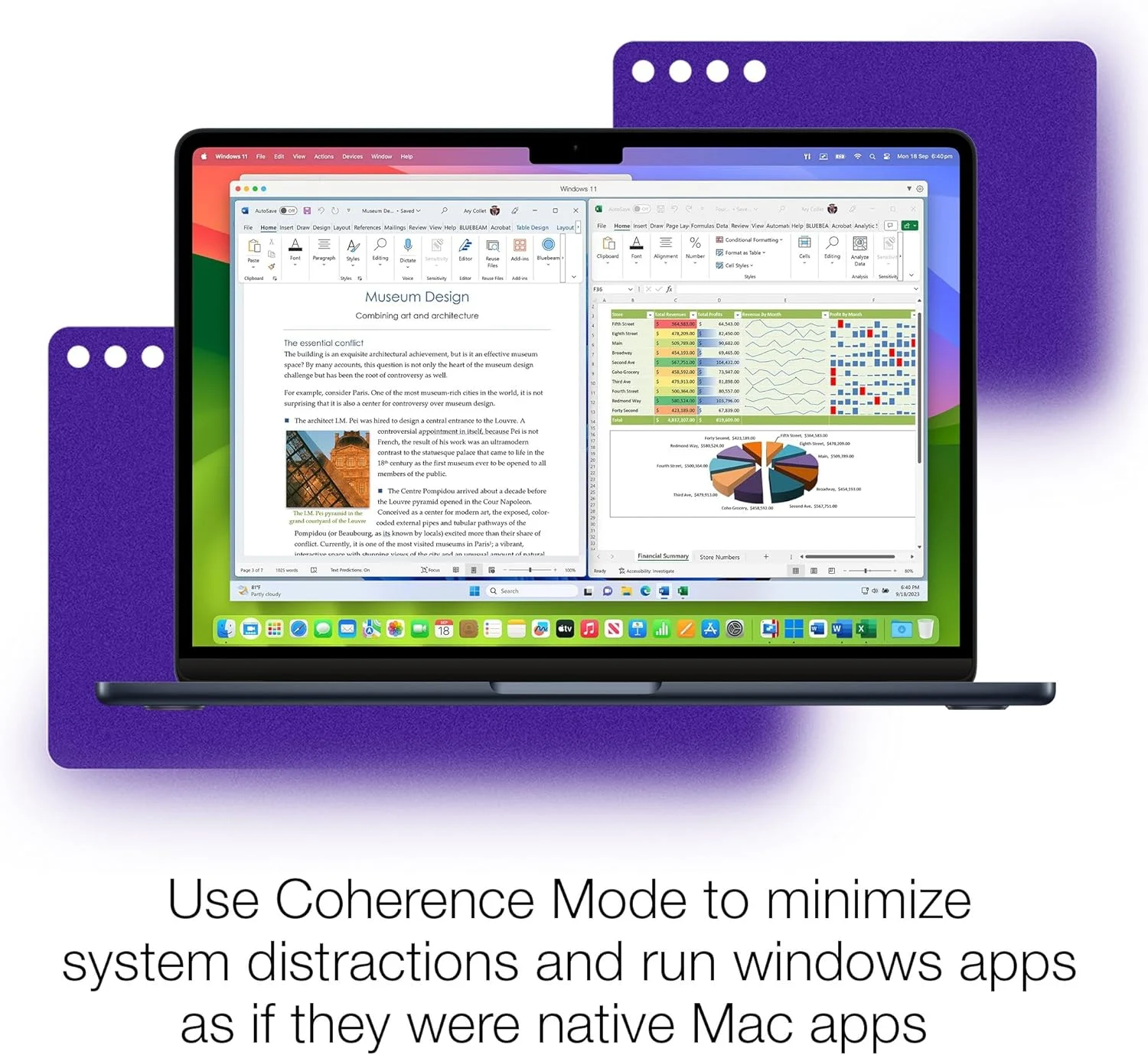
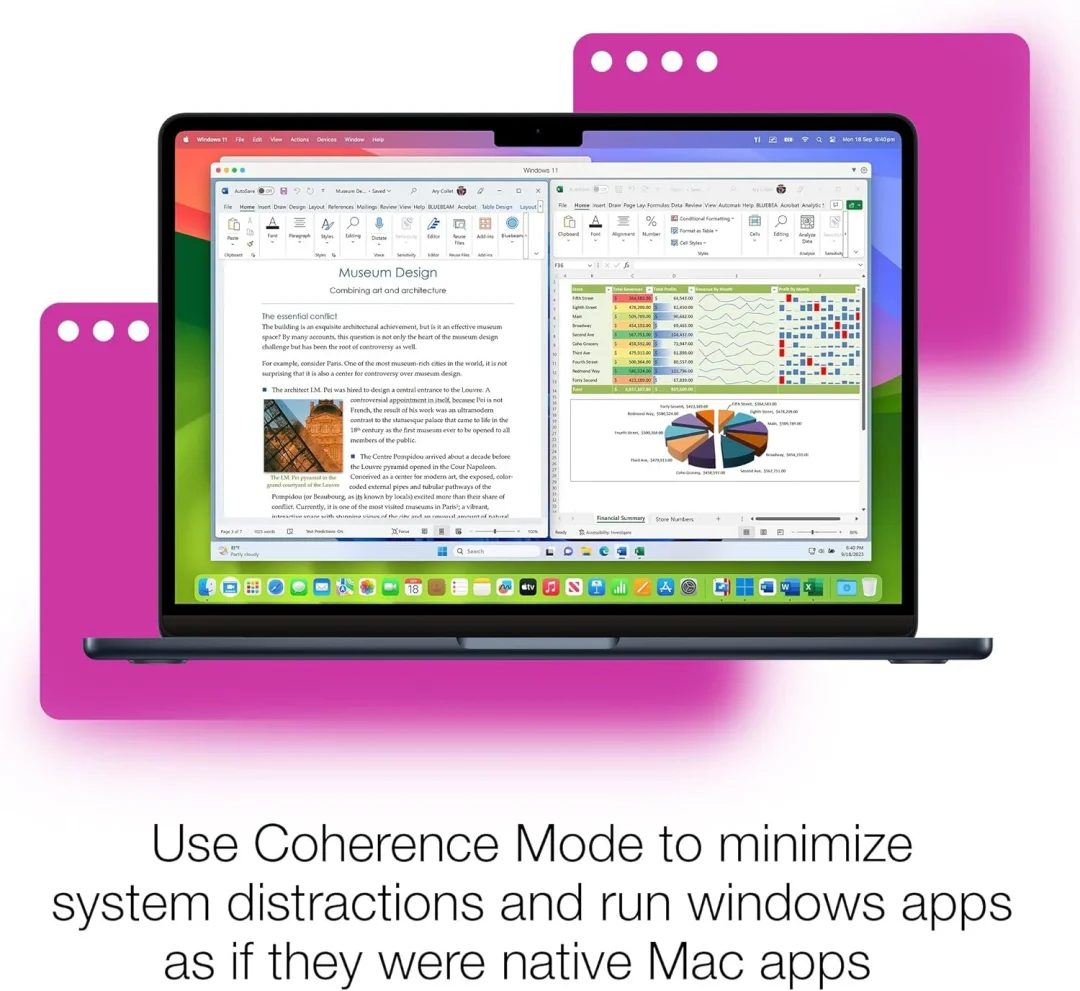
Coherence Mode lets you run Windows apps like native macOS apps.
-
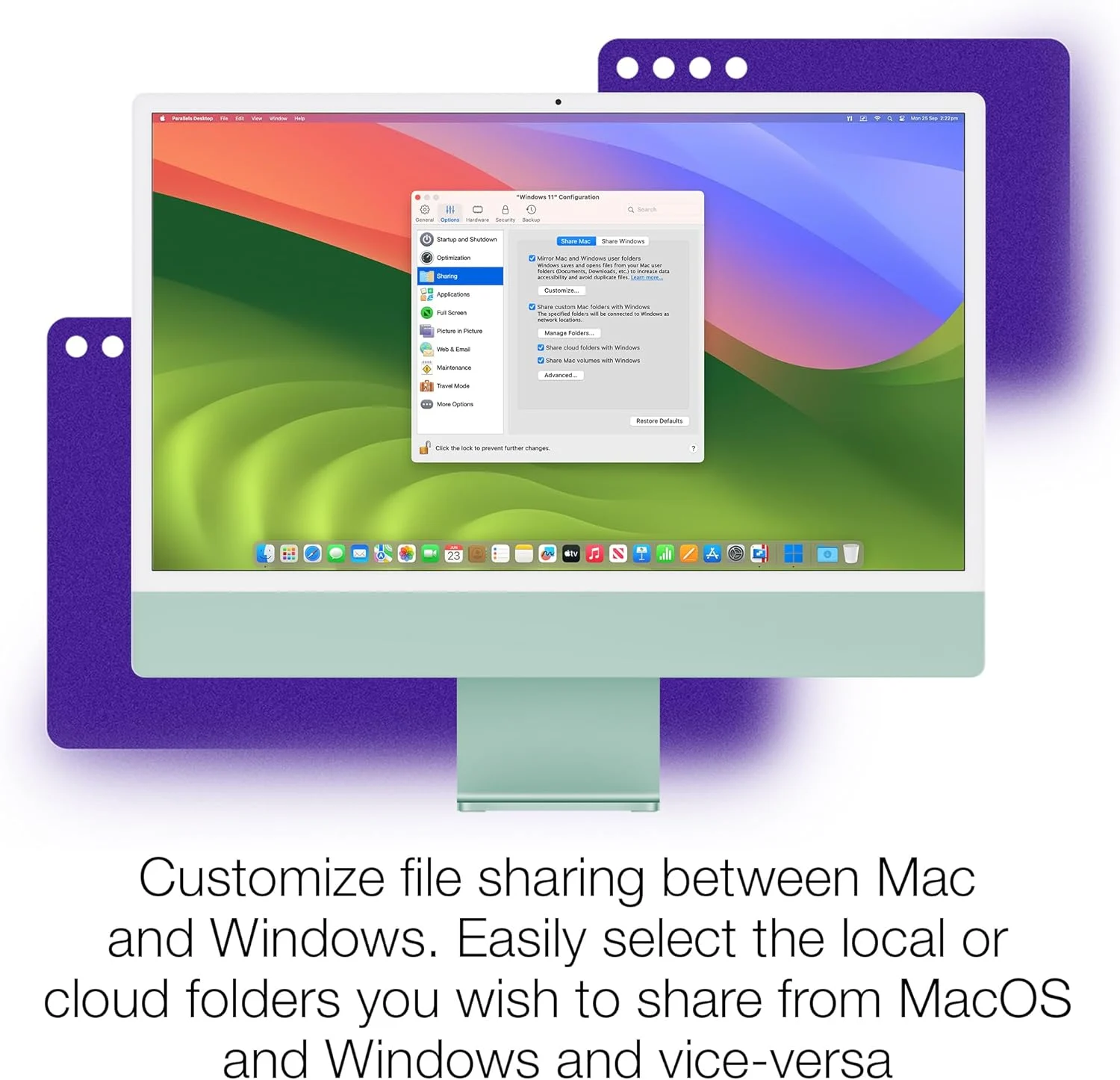
Drag-and-drop files between macOS and VMs.
-
Shared clipboard and folders.
Enhanced Graphics Support
-
DirectX and OpenGL support for 3D applications and games.
-
Hardware acceleration for demanding workflows.
Snapshot & Clone Capabilities
-
Save multiple VM states with snapshots.
-
Create linked clones for testing and experimentation without consuming extra space.
Product Details
-
Software: Parallels Desktop 26 for Mac – Pro Edition
-
License Duration: 1 Year Subscription
-
Devices: 1 Mac
-
License Type: Digital activation key
-
Region: Global
-
Platform: macOS (Intel & Apple Silicon compatible)
-
Delivery: Digital key + download instructions
Why Choose Parallels Desktop Pro Edition?
Parallels Desktop Pro Edition is built for professionals who need advanced virtualization features, better network control, and support for development workflows. It combines high performance with deep macOS integration and powerful VM management tools, making it suitable for software testing, development environments, cross-platform compatibility, and more.
How to Activate
-
Download Parallels Desktop 26 for Mac – Pro Edition from the official Parallels website.
-
Install the software on your Mac.
-
Enter your global license key when prompted.
-
Begin using Windows and other operating systems seamlessly.
Trusted Digital Delivery
-
Original Parallels global activation key
-
Secure instant email delivery
-
Clear installation and activation instructions included
System specifications
Supported Operating Systems
-
macOS Sonoma (14)
-
macOS Ventura (13)
-
macOS Monterey (12)
-
(Often includes support for earlier compatible macOS versions — check official Parallels site for full compatibility)
Hardware Requirements
-
Mac with Apple M1 / M2 / M3 Silicon or Intel Processor
-
4 GB RAM minimum (8 GB or higher recommended for Pro Edition)
-
500 MB free disk space for Parallels Desktop installation
-
Additional disk space required for guest operating systems and VMs
-
SSD recommended for best performance
Guest OS Support
Parallels Desktop allows installation of various guest operating systems, including but not limited to:
-
Windows 11 / Windows 10
-
Linux (Ubuntu, Fedora, Debian, etc.)
-
macOS (as permitted by Apple licensing)
-
Other supported legacy operating systems
Graphics & Display
-
DirectX 11 / OpenGL support in Windows and supported Linux guests
-
Virtualized GPU acceleration for improved graphics performance
-
Retina display support with scaled resolution options
Virtual Machine Tools & Features
-
Coherence Mode (Windows apps run side-by-side with macOS apps)
-
Shared folders, shared clipboard, drag-and-drop file exchange
-
Snapshot management and cloning (Pro Edition)
-
Network configuration and advanced networking tools (Pro Edition)
Internet & Network
-
Internet access required for software download, activation, updates, and guest OS installation
-
Ethernet or Wi-Fi connection recommended
Recommended for Best Performance
-
8 GB RAM or higher (16 GB or more recommended for heavy multitasking)
-
Large SSD storage (at least 256 GB) depending on the number and size of virtual machines
-
Quad-core or higher CPU for demanding workloads
-
Keep guest OS and Parallels Tools up to date
Only logged in customers who have purchased this product may leave a review.
Related products
-
- Sale!
- Operating Systems
Parallels Desktop 26 for Mac – Standard Edition | 1 Device | 1 Year | Global License Key
- Original price was: $99.99.$55.99Current price is: $55.99.
- Add to cart
Reviews
There are no reviews yet.