
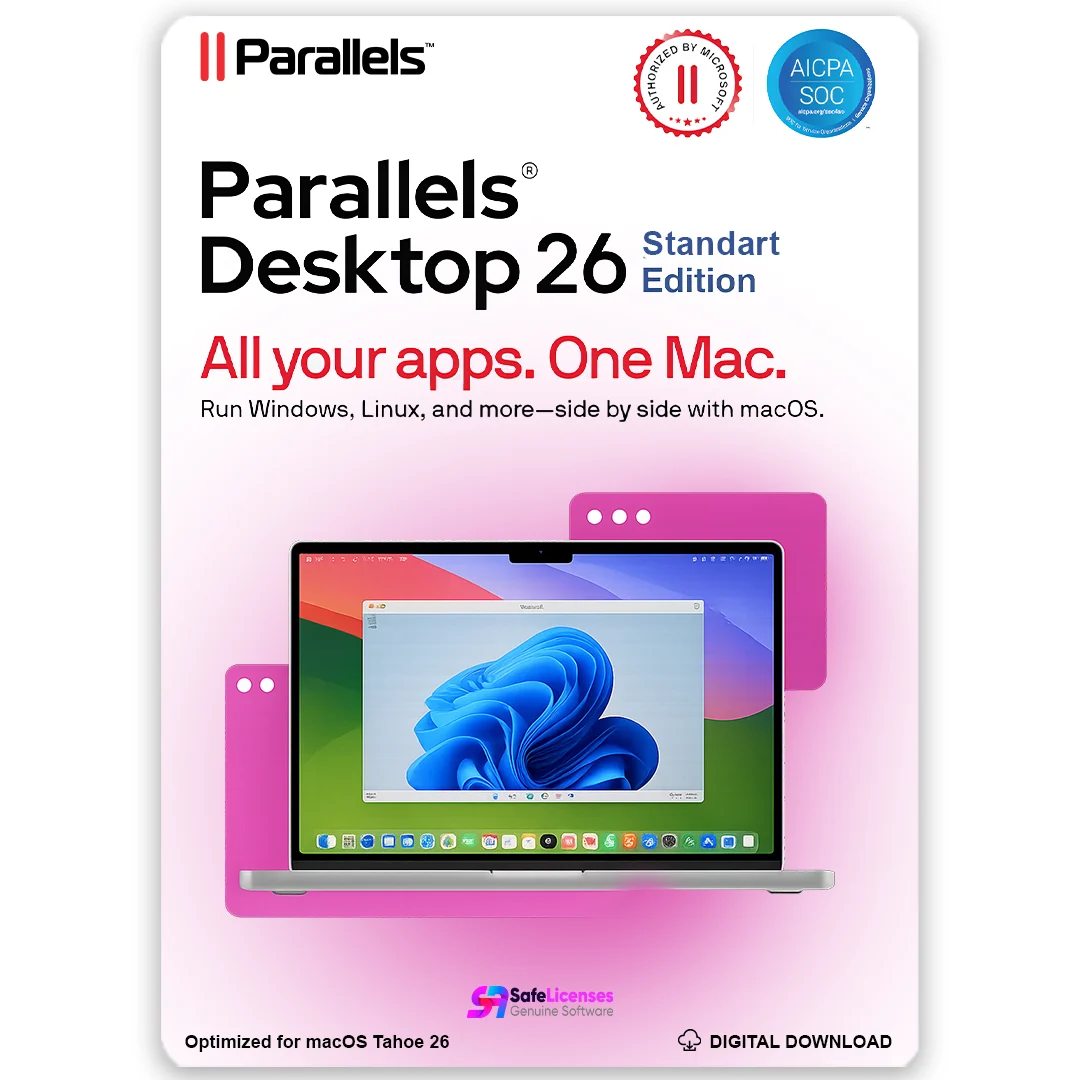
Parallels Desktop 26 for Mac – Standard Edition | 1 Device | 1 Year | Global License Key
Original price was: MX1,852.31.MX1,037.21Current price is: MX1,037.21.
66 in stock
Description
Parallels Desktop 26 for Mac – Standard Edition | 1 Device | 1 Year | Global License Key
Product Overview
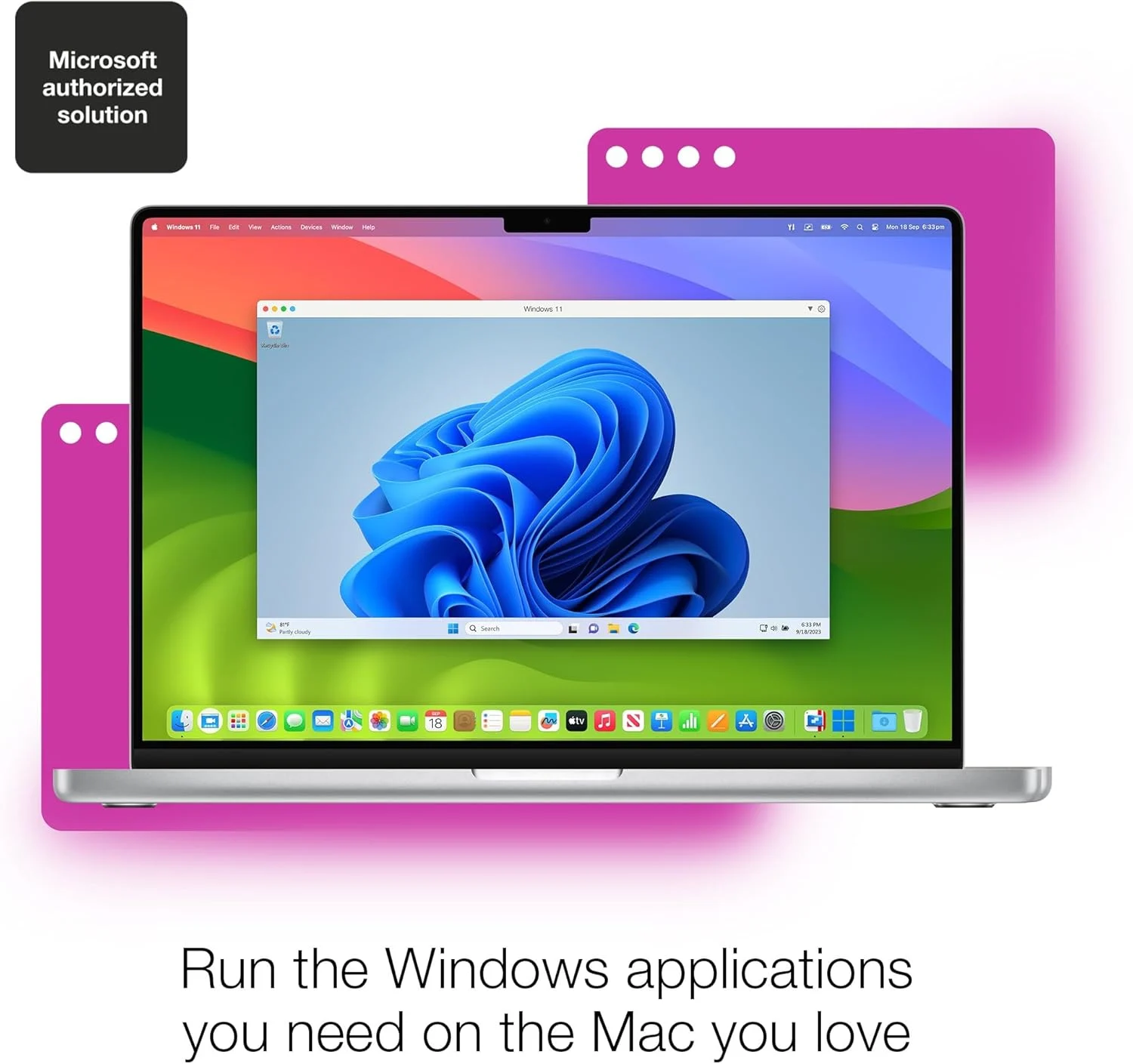
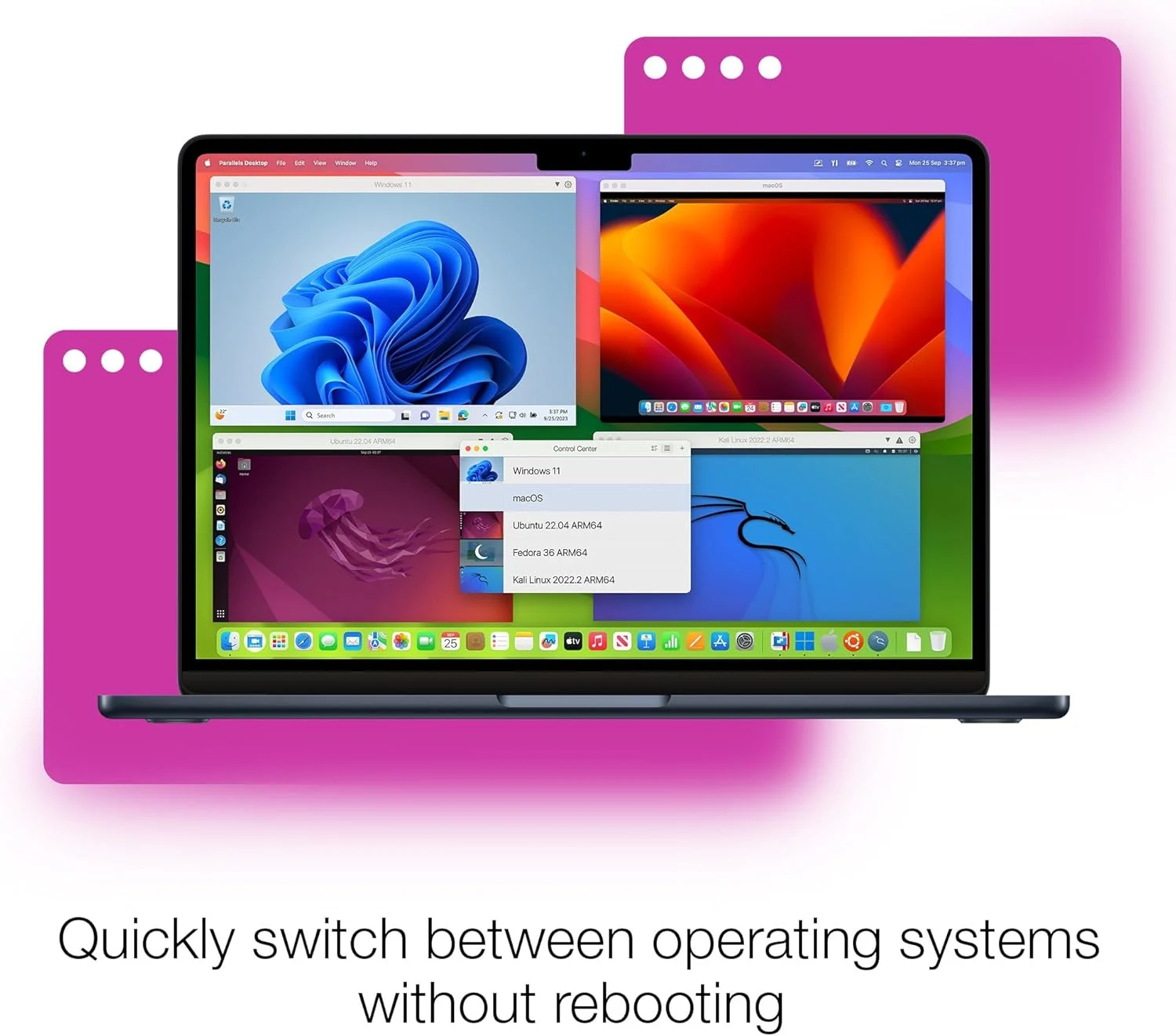
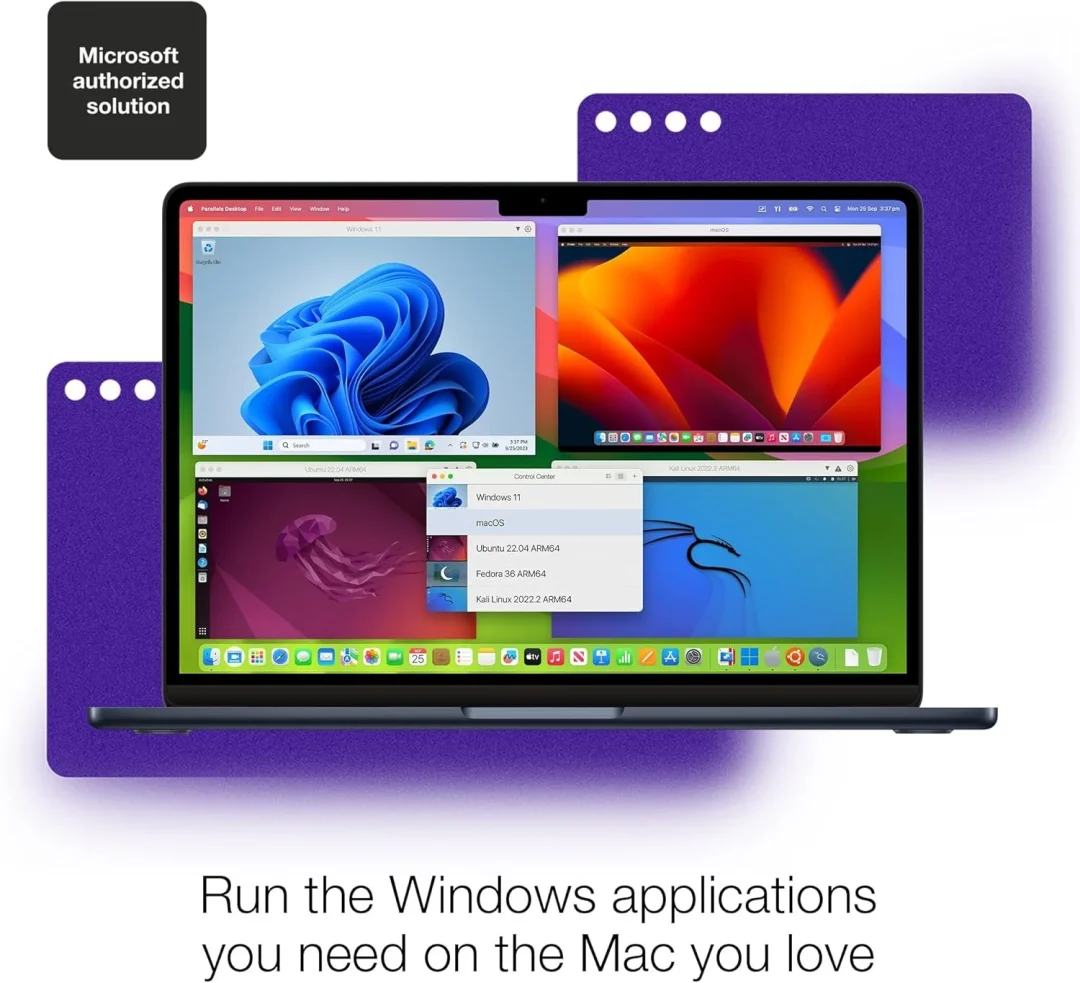
Parallels Desktop 26 for Mac Standard Edition is a leading virtualization software that allows you to run Windows, Linux, and other operating systems alongside macOS without rebooting. Designed for students, everyday users, and professionals, it offers seamless performance, intuitive integration, and smooth workflows between macOS and guest environments. This listing includes a 1-year global license for 1 Mac device, with official download and activation key.
Product Details
-
Genuine license key for Parallels Desktop 26 – Standard Edition
-
1 Device | 1 Year subscription
-
Official download from the Parallels website
-
Global license – works worldwide
-
Free technical support for installation & activation
-
Compatible with Intel & Apple Silicon (M1/M2/M3) Macs
Key Features
-
Run Windows, Linux, and other operating systems seamlessly on macOS
-
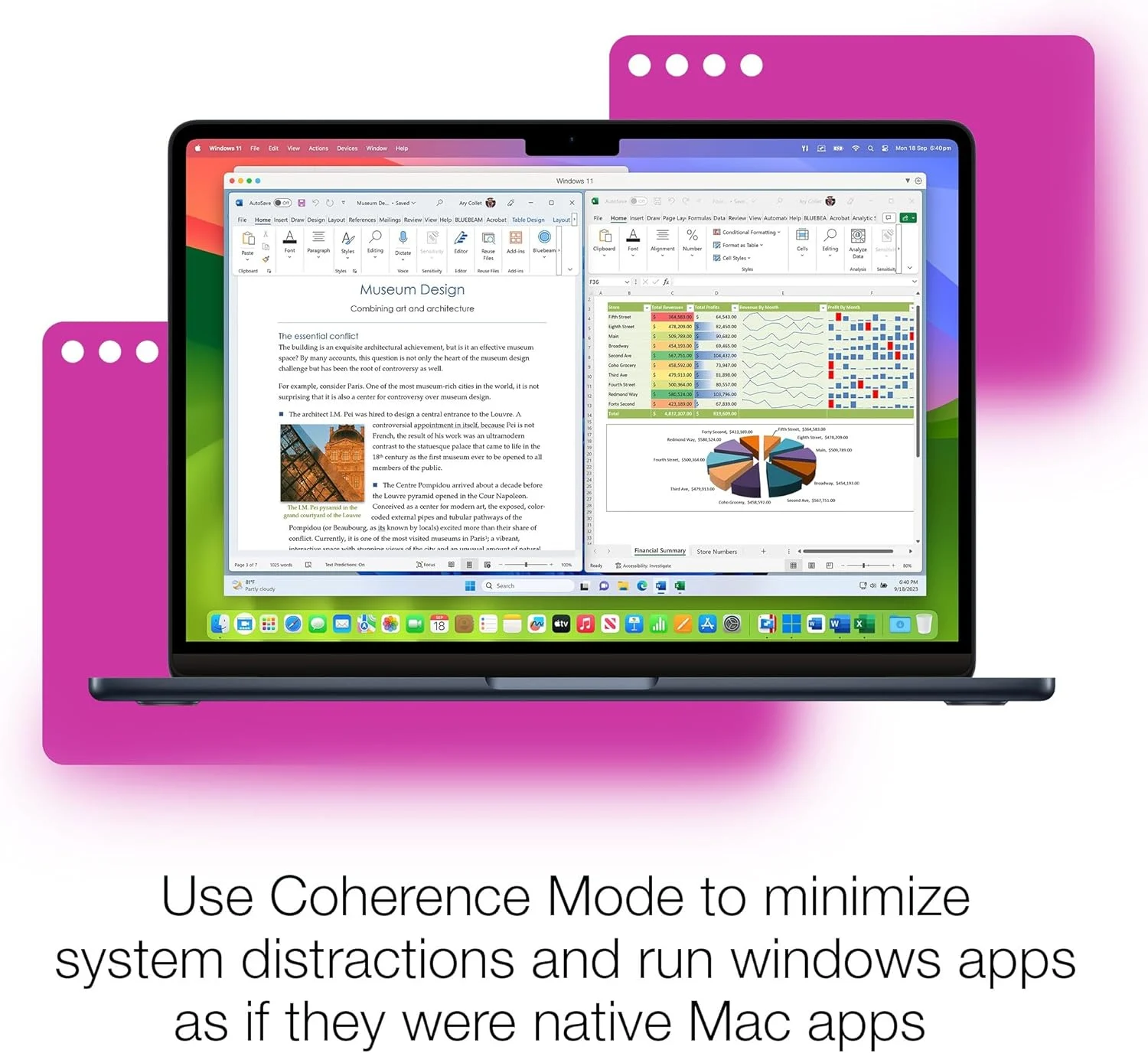
Coherence Mode: Run Windows programs like native macOS apps
-
Easy VM setup and migration tools
-
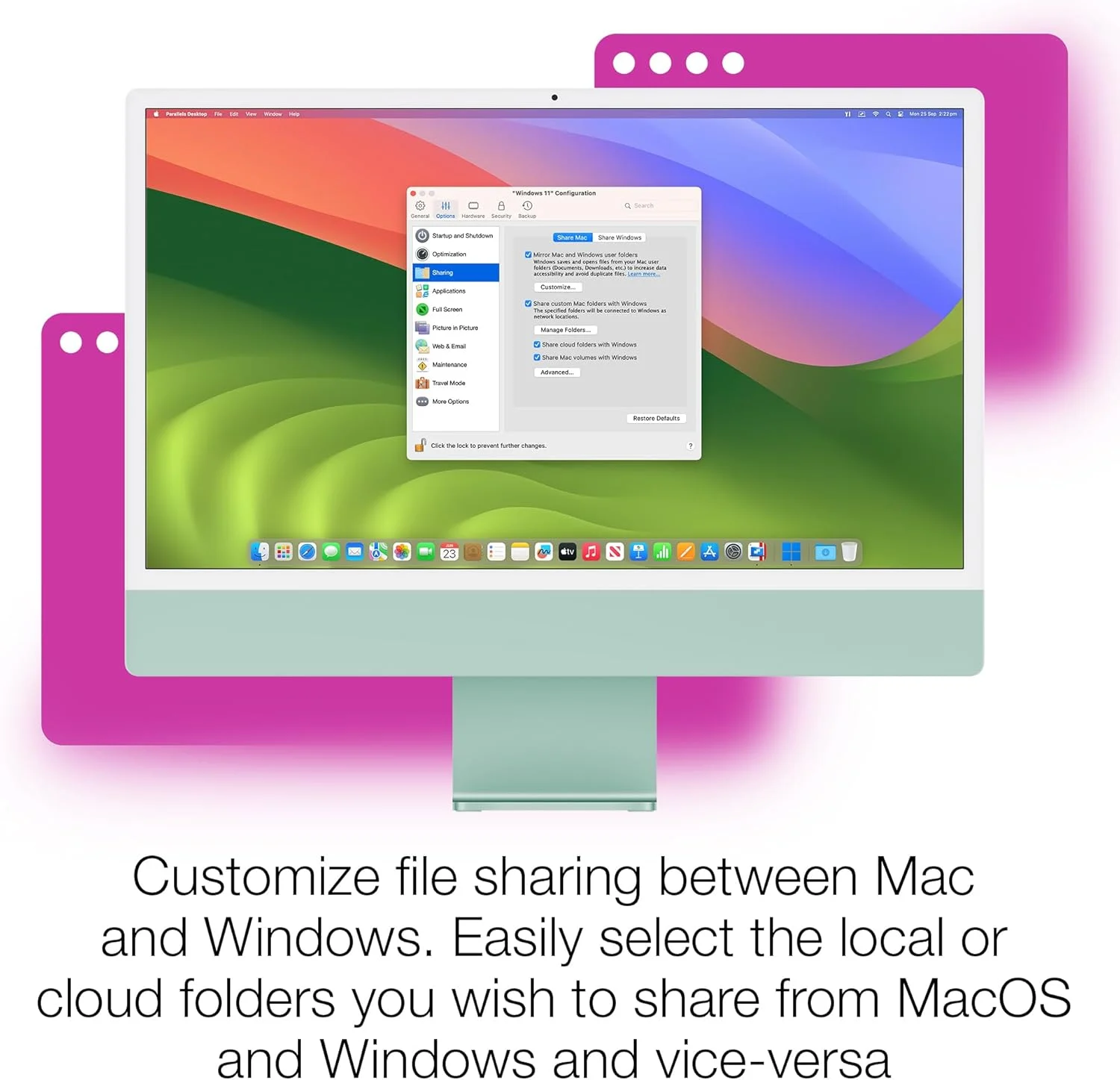
Shared folders, drag-and-drop, and shared clipboard
-
USB and peripheral device support
-
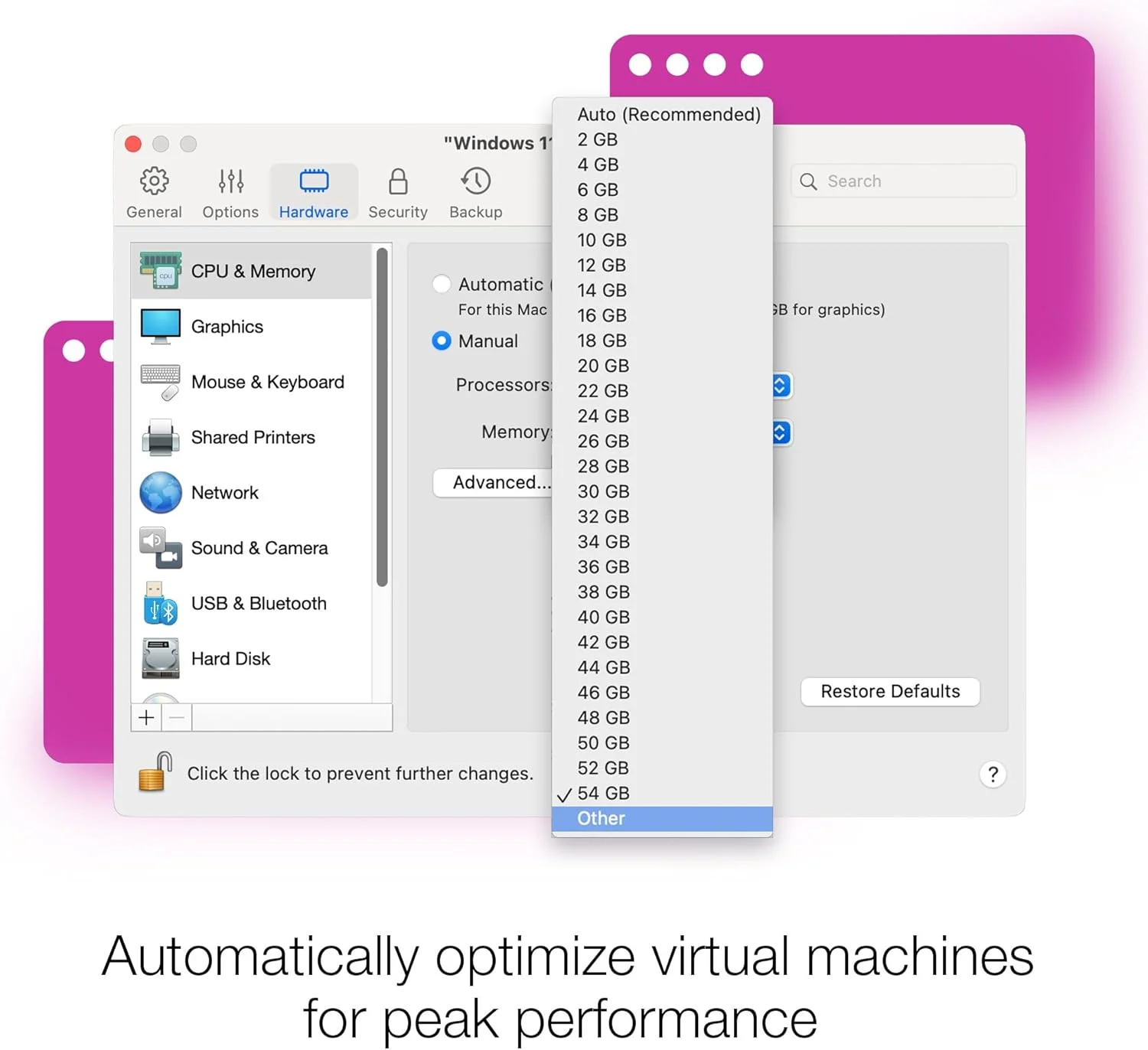
Performance optimization for apps, games, and workflows
-
Retina display and high-resolution support
-
Virtual graphics and DirectX/OpenGL acceleration
System Specifications
Supported macOS Versions
-
macOS Sonoma (14)
-
macOS Ventura (13)
-
macOS Monterey (12)
-
Earlier supported versions as listed by Parallels official compatibility
Hardware Requirements
-
Mac with Apple Silicon (M1 / M2 / M3) OR Intel processor
-
Minimum RAM: 4 GB (8 GB recommended)
-
Free Disk Space:
-
~500 MB for Parallels Desktop installation
-
Additional space required for virtual machines and guest OS installations
-
-
SSD Recommended for best performance
Guest OS Support
Parallels Desktop lets you install and run multiple operating systems within macOS, including:
-
Windows 11 / Windows 10
-
Linux distributions (Ubuntu, Fedora, Debian, etc.)
-
Other supported systems (per Parallels licensing and compatibility)
Graphics & Display
-
Virtualized graphics acceleration with support for DirectX and OpenGL
-
Full Retina display support
-
High resolution scaling and display sharing between guest and host
Networking & Peripherals
-
Support for wired and wireless networking
-
USB device connectivity inside VMs
-
Network adapter configuration and shared networking with macOS
How to Activate
-
Download Parallels Desktop 26 Standard Edition from the official Parallels website.
-
Install the software on your Mac.
-
Enter your global license key when prompted.
-
Complete activation and start using your VM environment.
Trusted Delivery
-
Digital license key delivered via email
-
Secure checkout with SSL encryption
-
Buyer protection and support included
Why Choose Parallels Desktop?
Parallels Desktop is the industry-leading virtualization solution for Mac users who need to run Windows and other operating systems without rebooting. It integrates tightly with macOS, offers excellent performance, and supports a wide range of software and peripherals — ideal for productivity, testing, development, and everyday cross-platform use.
Only logged in customers who have purchased this product may leave a review.
Related products
-
- Sale!
- Operating Systems
Parallels Desktop 26 for Mac – Pro Edition | 1 Device | 1 Year | Global License Key
- Original price was: MX2,222.81.MX1,204.13Current price is: MX1,204.13.
- Add to cart
Reviews
There are no reviews yet.