Nitro PDF Pro 10 – PDF Editor
Original price was: $180.00.$17.99Current price is: $17.99.
Description
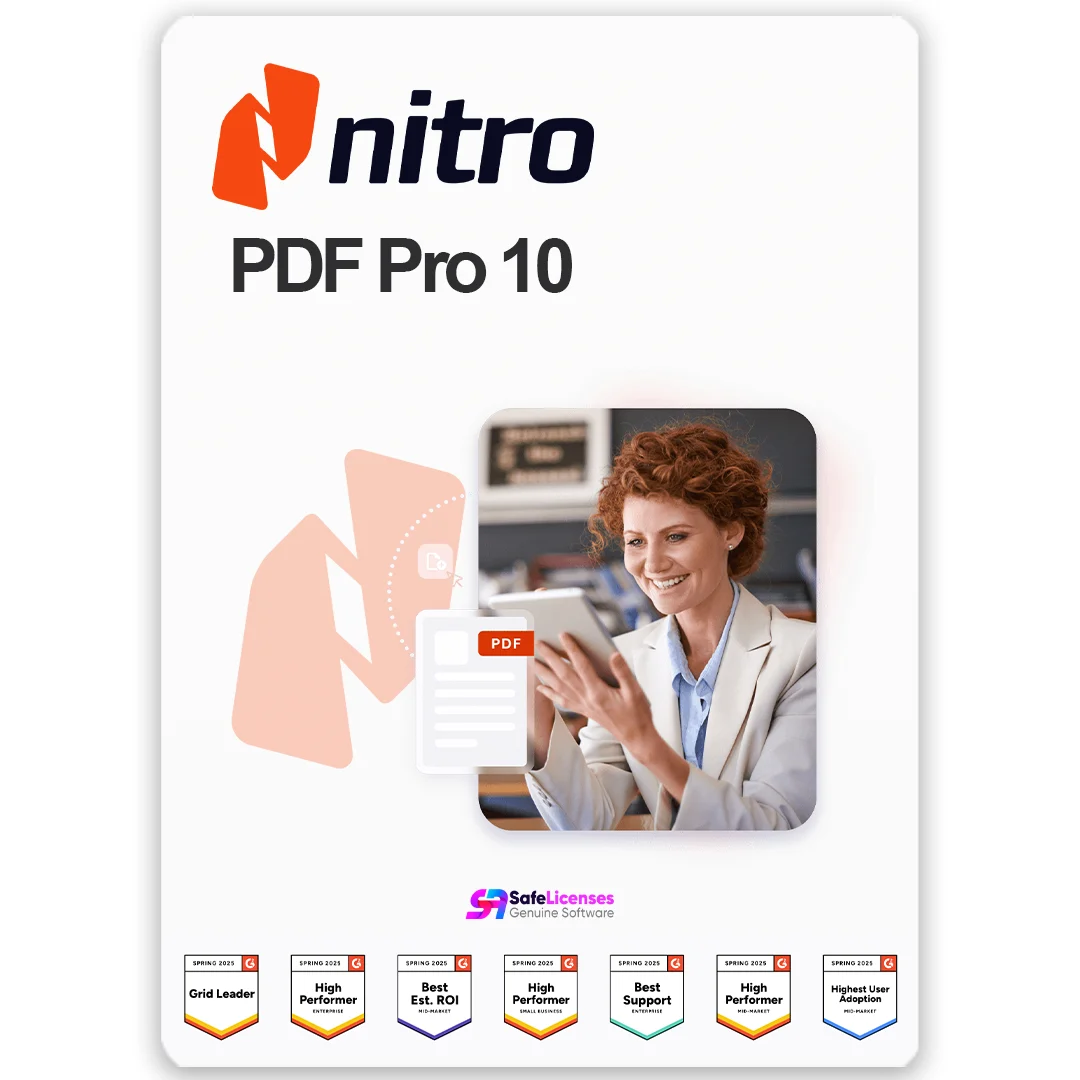
Nitro PDF Pro 10 – Powerful PDF Editing Without Subscriptions
Nitro PDF Pro 10 is a one-time purchase — no subscriptions, no hidden fees. It gives you lifetime access to a professional PDF editor for Windows. With Nitro PDF Pro, you can create, edit, convert, sign, and secure PDF files with ease, all without needing an ongoing subscription or cloud connection.
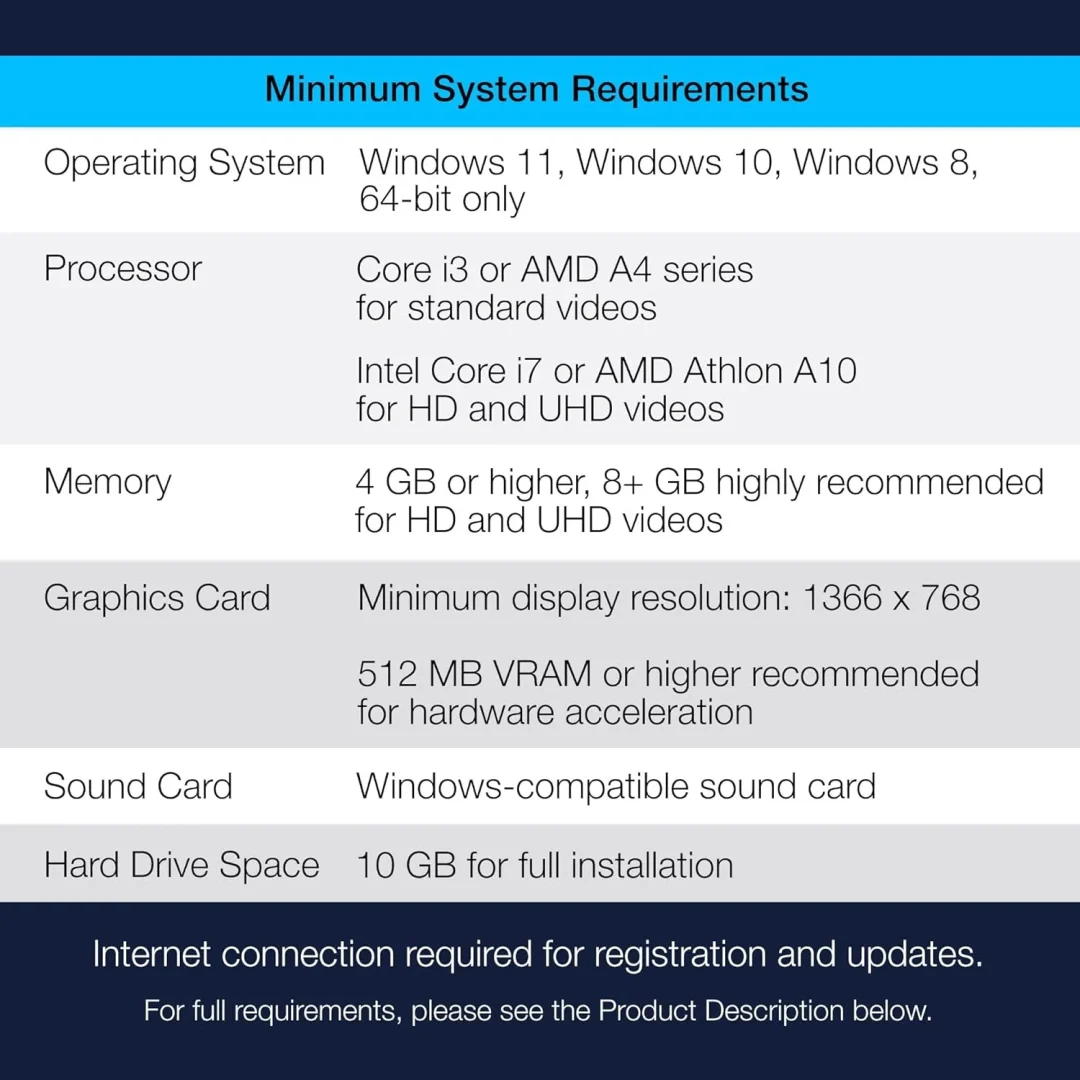
Compatibility: Works on 32-bit and 64-bit systems. Supports Windows 7 Professional and newer (including Windows 8, 10, and 11).
Buy a Genuine Nitro PDF Pro License from Trusted Reseller
Purchase with confidence from Safelicenses — a certified Microsoft reseller trusted by thousands of customers across Europe. Our average customer rating is 5 out of 5 on Google.
When you purchase from us, you recieve:
- A lifetime product key – one-time payment, no renewals
- Clear setup and activation instructions via email
- Free customer support from our expert team
Important:
This version of Nitro PDF Pro 10 is for Windows only.
If you’re looking for a powerful PDF editor for Mac, check out ABBYY FineReader for Mac or PDFChef by Movavi — professional solutions for editing, converting, and OCR scanning of PDF files on macOS.
Secure Purchase with Full Buyer Protection
30-day money-back guarantee for extra peace of mind.
Your payment is handled with top-level SSL encryption, keeping your personal information safe. We partner with trusted providers like Stripe, Apple Pay, and Google Pay to ensure a smooth and secure checkout experience.
Get Your Nitro PDF Pro Software in 3 Easy Steps
- Buy Nitro PDF Pro 10 on Safelicenses and get your license key and set up instructions instantly via email.
- Download original software by following the provided instructions
- Activate the software on your PC using your license key.

What Nitro PDF Pro 10 Actually Does
Here’s what you can do with the software once it’s installed:
- Create and edit PDFs – Build new documents from scratch or modify existing ones (text, images, and entire pages)
- File conversion – Turn PDFs into Word, Excel, PowerPoint, or image files (and vice versa)
- Merge and split PDFs – Combine multiple documents into one file or break large PDFs into separate documents
- Digital signatures and security – Sign, certify, and validate documents; set user permissions and encrypt sensitive files
- Interactive form support – Fill out, complete, and save PDF forms
- Batch processing – Apply the same edits or conversions to multiple files at once
- OCR text recognition – Convert scanned documents and images into editable, searchable text
In addition, Nitro provides a multilingual knowledge base with tips and usage guides to help you get the most out of the software.
Nitro PDF Pro 10 vs Adobe Acrobat 2020 DC – Which One to Choose?
Both Nitro PDF Pro 10 and Adobe Acrobat Pro 2020 are powerful PDF editors with a one-time purchase model. Below is a quick comparison to help you see their key differences and choose the best fit for your workflow.
| Feature | Nitro PDF Pro 10 | Adobe Acrobat Pro 2020 |
| Payment model | One-time payment (lifetime license) | One-time payment (lifetime license) |
| PDF editing | Full text, image, and page editing | Full text, image, and page editing |
| OCR (scan to editable) | Good OCR | Best-in-class OCR |
| Form creation & editing | Yes (create and edit interactive forms) | Yes (advanced form creation and editing) |
| Digital signatures | Sign, certify, validate signatures | Sign, certify, validate signatures |
| Batch processing | Yes (process multiple files at once) | Yes |
| Convert PDFs | To Word, Excel, PowerPoint, images | To Word, Excel, PowerPoint, images |
| Cloud integration | No native cloud integration | Connects with Adobe Cloud services |
| User interface | Feature-rich, professional | Industry-standard Adobe interface |
Nitro PDF Pro 10 – Suitable for users who need offline tools to edit PDFs, create forms, and process multiple files, all with a one-time purchase.
Adobe Acrobat 2020 – a good fit for users familiar with Adobe’s interface who want accurate OCR and built-in cloud integration, also available as a one-time purchase.
Related Products You Might Like
If you’re using Nitro PDF Pro 10, these software can enhance your productivity—all available on Safelicenses with discounts up to 70%:
- Office Suites: Choose from a variety of Microsoft Office versions for Windows and Mac — from 2016 to 2024 editions.
- Operating systems: Upgrade to the latest versions of Windows or Parallels for improved performance and compatibility.
- Antivirus Software: Protect your Office files—and your entire PC—from viruses, ransomware, and phishing attacks with trusted security tools.
- VPN Services: Keep your connection private and secure. Perfect for remote work, public Wi-Fi, or simply browsing with peace of mind.
- PC Optimization Tools: Use system optimisation software to speed up your PC, clear out junk — so Office (and everything else) performs at its best.
- Photo & Video Software: We provide wide variety of tools from basic edits to pro-level production, so you can find the product that fit your needs.
Why Buy from Safelicenses?

FAQs
What if I can’t activate my subscription?
Our support team is always here to help! Just send us your issue and screenshots — our experts will assist promptly.
Why are the prices for licenses so low?
At Safelicenses, we specialize in pre-owned software licenses. These are original licenses that were legally purchased and used before—and are now being resold. They work exactly the same as new licenses, with no difference in functionality or performance.
This type of business activity is fully legal and permitted under EU law — based on a ruling by the European Court of Justice (C-128/2011). So you’re saving money and staying fully compliant.
Does Safelicenses sell legit software?
Yes, every product we offer is 100% genuine. We’re certified partners with top brands like Microsoft, Adobe, Parallels, Kaspersky, and others—so you can trust the authenticity of our software and the expertise behind it.
Only logged in customers who have purchased this product may leave a review.
Related products
-
- Sale!
- Multimedia, Photo-Editing
Adobe Creative Cloud – All apps
- Original price was: $75.00.$29.99Current price is: $29.99.
- Add to cart
-
- Sale!
- Photo-Editing, Multimedia
Corel PaintShop Pro 2023
- Original price was: $79.99.$39.99Current price is: $39.99.
- Add to cart
-
- Sale!
- Video-Editing, Multimedia
Corel VideoStudio Ultimate 2023
- Original price was: $99.99.$67.99Current price is: $67.99.
- Add to cart



Reviews
There are no reviews yet.